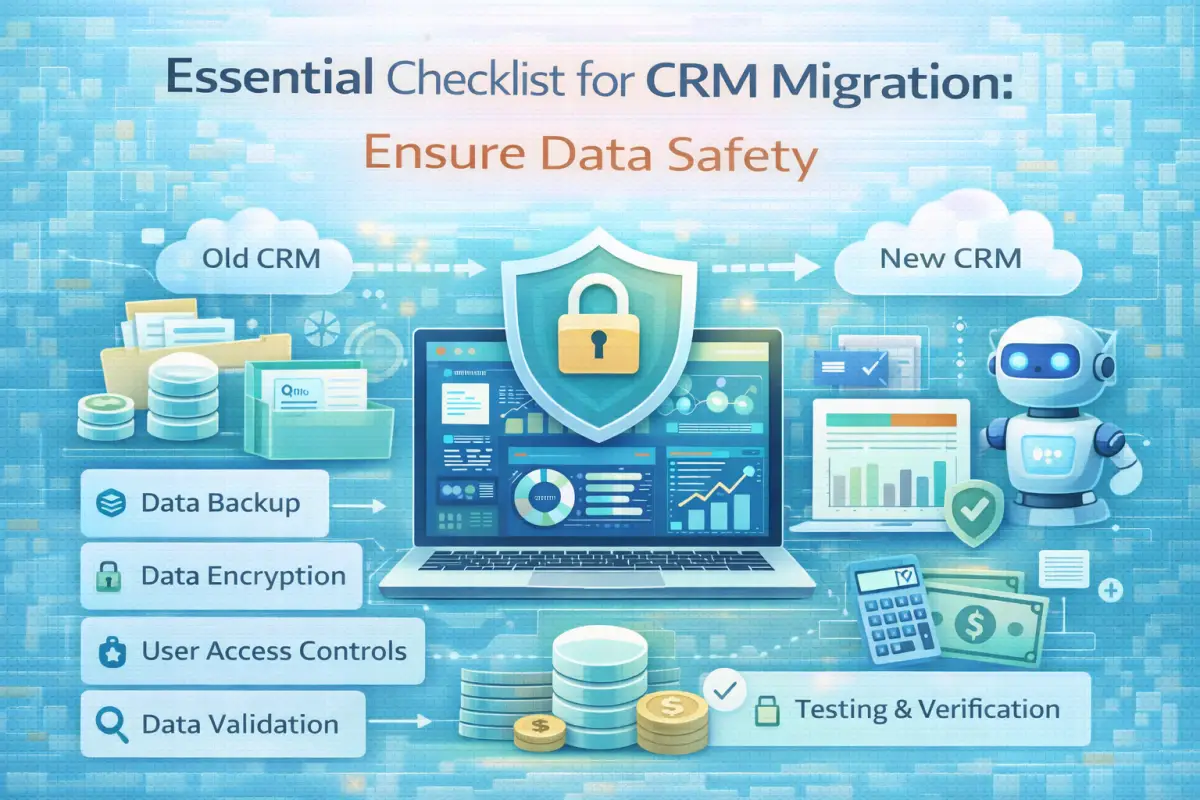
Essential Checklist for CRM Migration: Ensure Data Safety
Understanding the Importance of CRM Migration
Transitioning from one Customer Relationship Management (CRM) system to another is a considerable task. Businesses frequently upgrade their CRM to better meet their evolving needs. This shift can enhance customer interactions, improve data organization, and increase overall efficiency. It’s vital to carry out this process thoughtfully to avoid losing important information.
In today's competitive landscape, companies in Tier-1 markets like the US, UK, Canada, and Australia must ensure they are utilizing the best solutions available. A successful CRM migration can lead to improved sales processes and better customer service, which are critical for success in 2026 and beyond.
Planning Before the Migration
Before diving into the migration, it's essential to create a solid plan. Start by assessing your current CRM setup. Identify the features you require and any shortcomings in your current system. This analysis will help you define what you need from the new CRM.
Next, assemble a team that includes IT, sales, and customer service representatives. Their insights will be invaluable in understanding the data and processes that are essential for the migration. Gathering input from all relevant departments ensures that the new system will serve the entire organization effectively.
Preparing Your Data
Data preparation is one of the most critical aspects of CRM migration. Start by cleaning your data. Remove duplicates, outdated entries, and irrelevant information. This step not only makes the migration smoother but also helps maintain data quality in the new system.
After cleaning, categorize your data based on its type and usage. This organization will help during the migration process, as it allows for a more structured transfer. Ensure that all relevant data, including customer interactions, transaction histories, and contact information, is ready for migration.
Selecting the Right Migration Tools
Choosing the right software tools can make a significant difference in the migration process. Look for solutions that facilitate easy data transfer and ensure compatibility with both your old and new CRM systems. Some tools offer mapping features that help align data fields between different systems.
Consider solutions that provide robust support and documentation. This can be crucial, especially if your team encounters challenges during the migration. Research options thoroughly and compare user reviews to find the best tools for your specific needs.
A Comprehensive CRM Migration Checklist
Here’s a straightforward checklist to guide you through the migration process:
- Define your goals for the migration.
- Assemble a cross-functional team.
- Analyze your existing CRM data.
- Cleanse and organize your data.
- Select appropriate migration tools.
- Map data fields between old and new systems.
- Conduct a trial migration with a subset of data.
- Review and verify the trial results.
- Execute the full data migration.
- Test the new system thoroughly before going live.
Common Challenges and Their Solutions
During CRM migration, several challenges may arise. One common issue is data incompatibility. Different systems may use varying formats, making data transfer tricky.
To combat this, ensure that you have a clear understanding of the data structures in both systems. Use conversion tools or manual adjustments to align these formats before migration. Another frequent challenge is user adoption of the new system. To mitigate this, provide ample training and resources to your staff, making the transition smoother.
Steps After the Migration
Once the migration is complete, your work isn’t finished. Begin by thoroughly testing the new CRM. Ensure that all data has transferred accurately and that the system is functioning as expected. Involve team members in this process to gather feedback and make necessary adjustments.
Additionally, monitor the system's performance over time. Regularly check for any issues or areas for improvement. This ongoing assessment will help you maximize the benefits of the new CRM.
Best Practices for a Smooth CRM Migration
Here are some best practices to keep in mind during your CRM migration:
- Document every step of the process for future reference.
- Communicate openly with your team about changes and expectations.
- Prioritize data security throughout the migration.
- Consider a phased approach to minimize disruptions.
- Seek feedback from users after the migration to optimize usage.
Conclusion
CRM migration is a critical process that can significantly impact your business. By following a structured approach and utilizing the right tools, you can ensure a successful transition without losing valuable data. Remember to involve your team throughout the process and continuously monitor the new system for ongoing improvements.
Frequently Asked Questions
1. How long does CRM migration take?
The duration of CRM migration can vary based on the amount of data and the complexity of the systems involved. Typically, it can take anywhere from a few weeks to several months.
2. Can I migrate data from any CRM to any other CRM?
In most cases, data can be migrated from one CRM to another. However, compatibility between systems may vary, so it’s essential to research and plan accordingly.
3. Is it necessary to backup my old CRM?
Yes, backing up your old CRM is crucial. It serves as a safety net in case anything goes wrong during the migration process.
4. What if data formats don’t match?
If data formats are incompatible, you may need to use data mapping tools or manually adjust the data to ensure a successful transfer.
5. How do I ensure users adopt the new CRM?
To encourage user adoption, provide comprehensive training and support. Highlight the benefits of the new system and gather feedback for continuous improvement.